
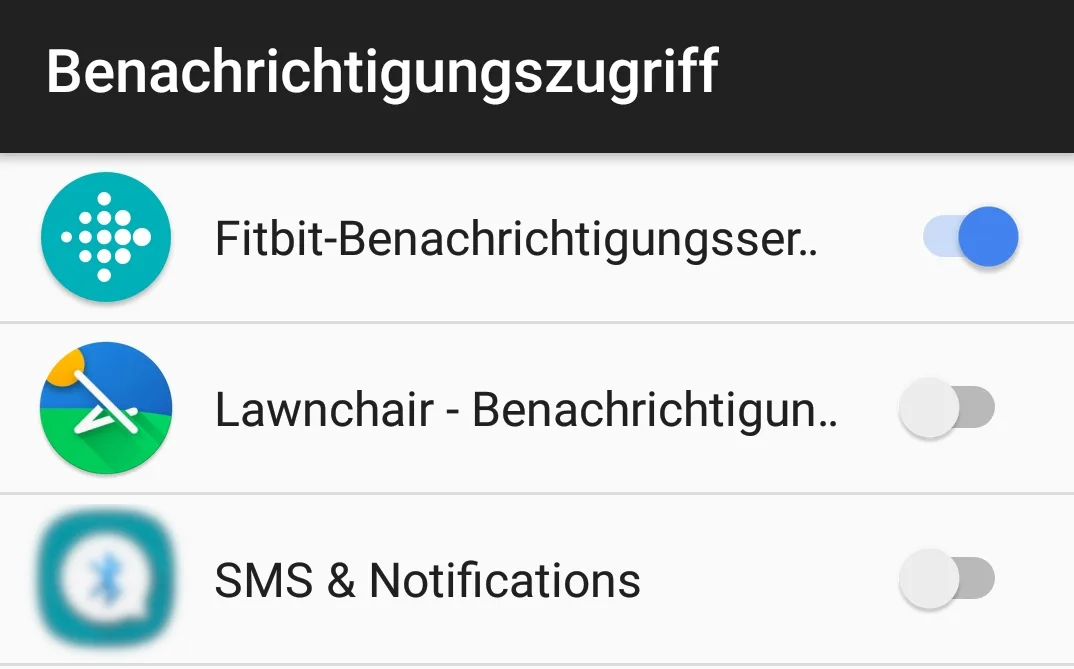
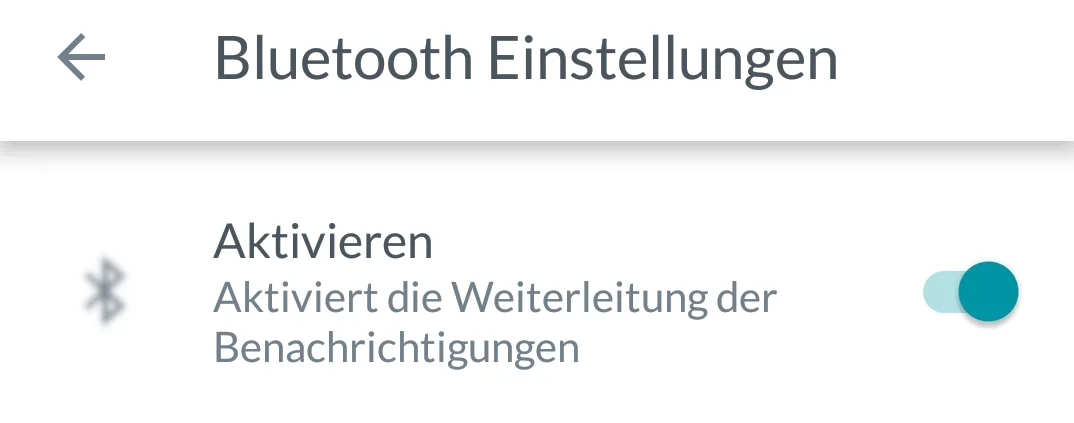
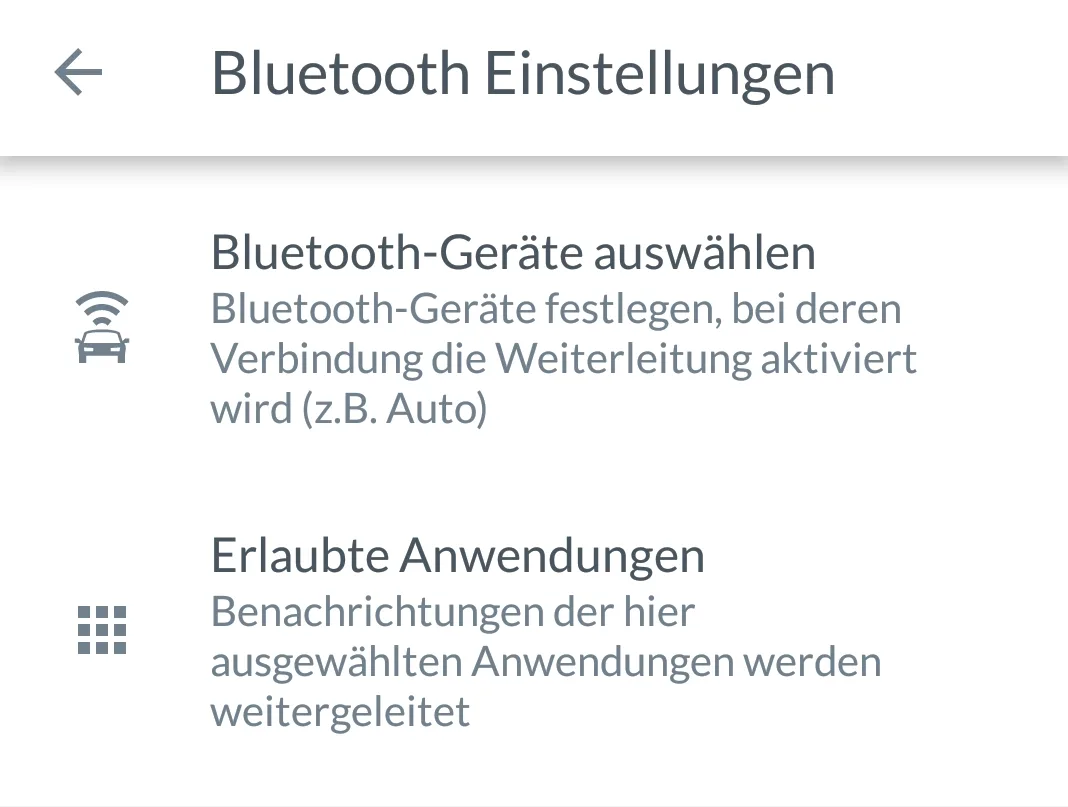
Installation of the app “Notification Forwarder Pro”
< Watch the YouTube video (in German)
 |
|
 |
|
 |
|
 |
|
Select your language


|
|
|
|
|
|
|
|
We use cookies on our website to enable the use of certain functions. These are small text files that are stored on your computer. These cookies are used to temporarily store the shop configuration (address, email address, country, language, private/business customer, display of items per page and the shopping cart). Please note that cookies are necessary for some functions of our web shop (e.g. the shopping cart, user account) and deactivating them can lead to reduced functionality. You can find out more information by clicking on View privacy policy. Do you accept the use of cookies?